Web Design Highlights
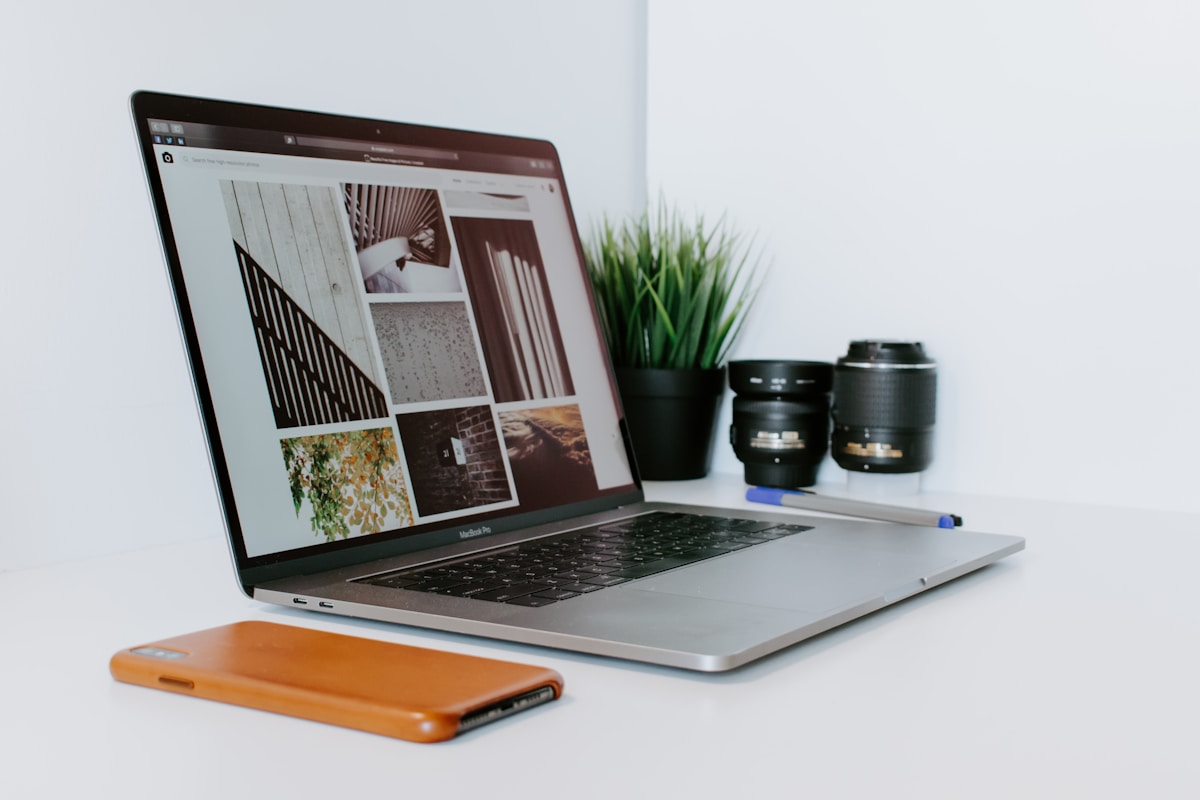
In the digital age, a well-designed website is crucial for any business looking to make an impact online. This blog post showcases my web design highlights, emphasizing user-friendly layouts and engaging visuals that enhance online experiences for various clients.
The Importance of User-Friendly Layouts
A user-friendly layout is essential for ensuring that visitors can navigate a website with ease. Here are some key elements that contribute to a user-friendly design:
1. Intuitive Navigation
- Clear and concise menu options
- Logical structure that guides users
- Consistent placement of navigation elements
2. Responsive Design
With the increasing use of mobile devices, responsive design is critical. This involves:
- Adapting layouts to various screen sizes
- Ensuring touch-friendly elements
- Maintaining visual appeal across devices
3. Readable Typography
Typography plays a significant role in user experience. Considerations include:
- Choosing legible fonts
- Using appropriate font sizes for different devices
- Creating a clear hierarchy with headings and body text
Engaging Visuals in Web Design
Visuals can significantly enhance user engagement. Here are some highlights on how to effectively integrate visuals into web design:
1. High-Quality Images
Using high-quality images can elevate the overall aesthetic of a website. Important points include:
- Utilizing professional photography
- Incorporating images that align with brand identity
- Optimizing images for fast loading times
2. Consistent Color Scheme
A cohesive color scheme can evoke emotions and reinforce brand recognition. Key strategies include:
- Selecting a color palette that reflects the brand’s voice
- Using contrasting colors for calls to action
- Maintaining consistency across all pages
3. Interactive Elements
Incorporating interactive elements can keep users engaged. Consider the following:
- Hover effects on buttons and links
- Animations that guide users through content
- Interactive infographics and charts
Showcasing Client Projects
Throughout my career, I have had the opportunity to work with a diverse range of clients. Here are some highlights from a few key projects:
1. E-Commerce Website for a Fashion Brand
This project focused on creating an engaging shopping experience. Highlights included:
- Intuitive product categorization
- High-resolution images with zoom functionality
- Streamlined checkout process to reduce cart abandonment
2. Portfolio Site for a Photographer
For this project, the goal was to showcase stunning visuals. Key features included:
- Full-screen image galleries
- Minimalist design to let the images shine
- Easy navigation to different photography styles
3. Informational Website for a Non-Profit Organization
This site aimed to educate visitors about the organization’s mission. Key design elements included:
- Clear calls to action for donations
- Engaging storytelling through visuals and text
- Event calendars and volunteer sign-up forms
Best Practices for Web Design
To ensure success in web design, consider the following best practices:
- Conduct user testing to gather feedback
- Stay updated with design trends and technology
- Optimize for search engines to increase visibility
- Regularly update content to keep it fresh and relevant
Conclusion
In summary, effective web design combines user-friendly layouts with engaging visuals to create memorable online experiences. By focusing on these key elements, I have successfully delivered projects that not only meet client needs but also resonate with their audiences. If you’re looking to enhance your online presence, consider these highlights as a foundation for your web design journey.